Buying a CNC machine for your home is less about chasing specs and more about fit. The right machine matches your project list, your available space, and the patience of the people you live with.
This guide compares the main household options, breaks down realistic budgets, and covers the 3 factors that sink most home setups: noise, dust, and power. Every recommendation draws on what real owners report in machining and maker forums.
What Counts as a Household CNC Machine
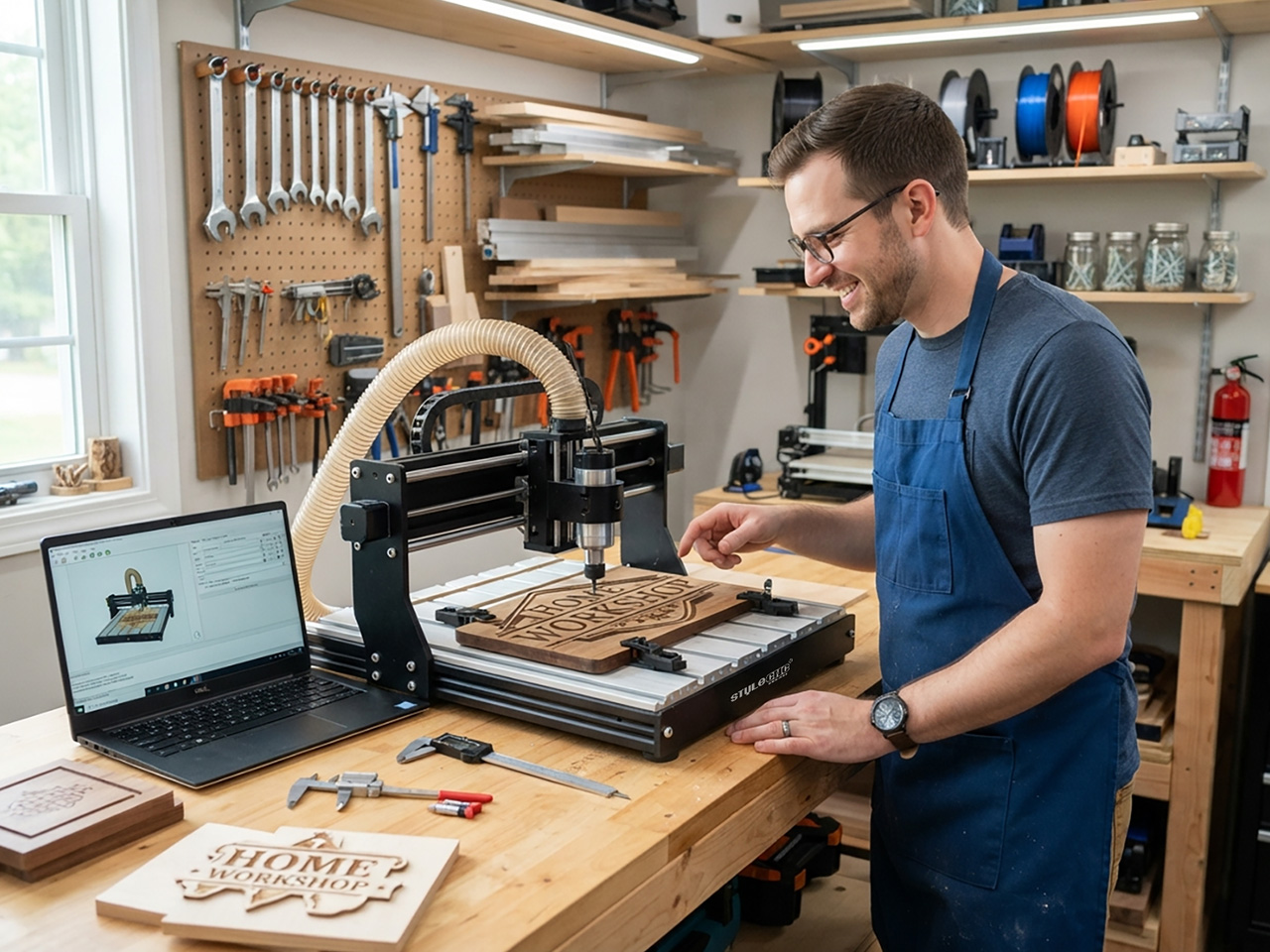
A household CNC machine is any computer controlled router, mill, or laser that runs on residential power and fits a home footprint. 4 types cover almost every home buyer.
• Desktop CNC routers: 3018 class kits that sit on a desk and carve softwood, plastics, circuit boards, and light aluminum.
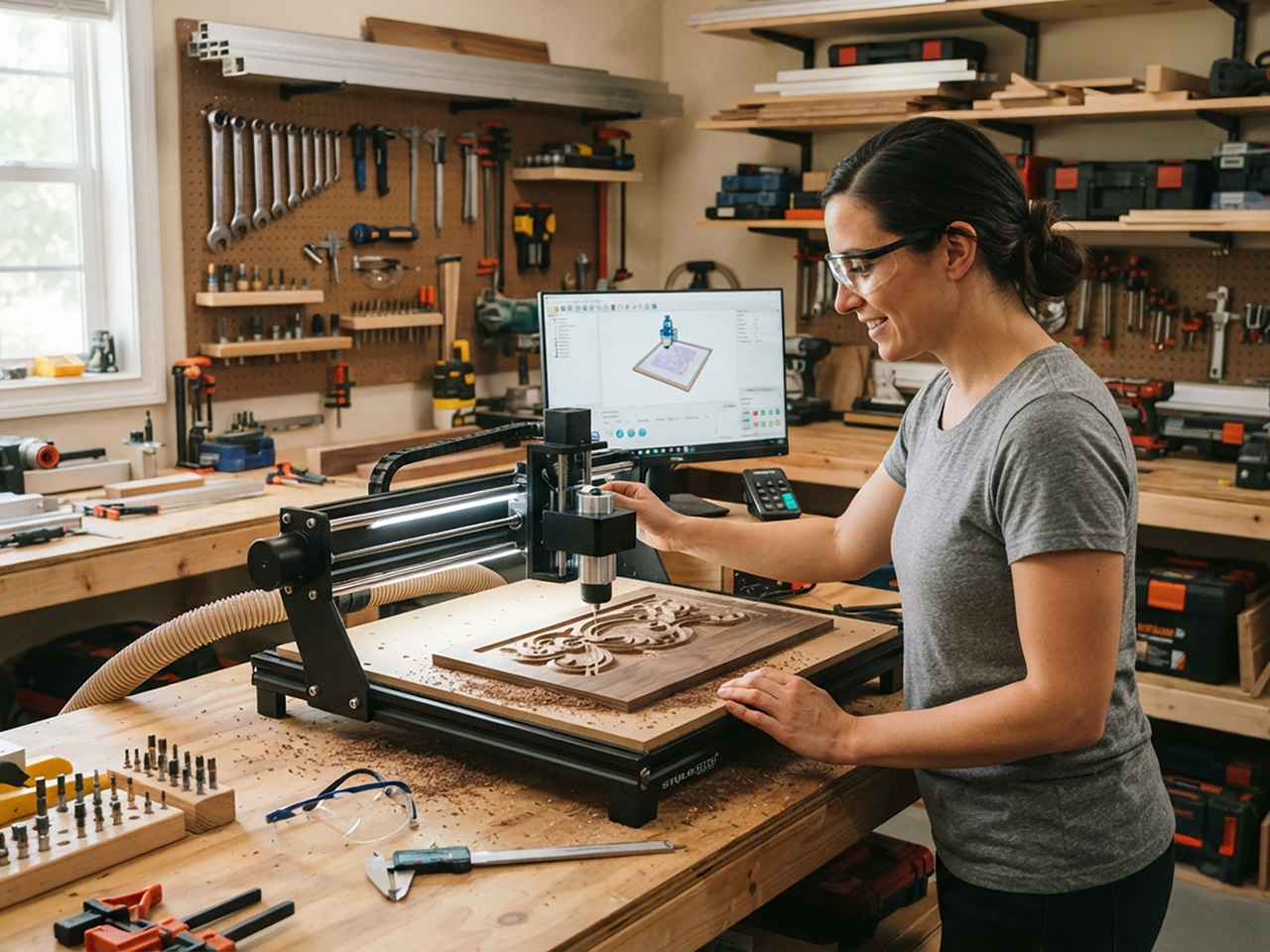
• Benchtop CNC routers: rigid frames such as a د کوچني ډیسټاپ CNC ماشین او یا د 2x4 benchtop CNC router that handle hardwood, MDF, and non ferrous metals.
• Diode laser engravers: open frame machines that engrave wood, leather, and coated metals at low cost.
• CO2 لیزر نقاشیان: enclosed machines such as a شوق CO2 لیزر کتر that cut acrylic and plywood with clean edges.
CNC Router or Laser Engraver: Match the Machine to the Project
A router removes material with a spinning cutter, so it can carve, drill, and profile nearly anything softer than the bit. Sign professionals who own both machine types consistently call the router the more flexible 1st purchase for that reason.
A laser burns or vaporizes a thin line instead. It wins on speed, fine detail, and zero clamping, which is why small engraved products dominate laser workflows. If your list says carved signs, joinery, or aluminum parts, pick a router. If it says tumblers, keychains, photo engraving, or acrylic, a د ډیسټاپ لیزر کټر او نقاش pays for itself faster.
The table below compares the 4 household classes on the numbers that matter at home.
| فیچر | د ډیسټاپ CNC روټر | د بنچ ټاپ CNC روټر | Diode Laser Engraver | CO2 ليزر نقاشى |
|---|---|---|---|---|
| Measurement (work area) | 300 x 180 mm | 600 x 900 ته 1200 x 1200 mm | 400 x 400 mm | 500 x 700 mm |
| عادي بودیجه | $ ته $600 | $ ته $5000 | $ ته $1200 | $ ته $6000 |
| Materials handled | Softwood, plastics, PCB, light aluminum | Hardwood, MDF, aluminum, brass | Wood engraving, leather, thin plywood | Acrylic, plywood, leather, rubber |
| Noise while cutting | له 70 څخه تر 85 پورې | له 75 څخه تر 95 پورې | له 45 څخه تر 60 پورې | له 50 څخه تر 65 پورې |
| Main byproduct | Chips and fine dust | Chips and fine dust | لوګی او لوګی | لوګی او لوګی |
| Best home fit | Office or bedroom corner | Garage or basement | Ventilated spare room | Garage with window vent |
Budget Tiers for Home Buyers
Street prices cluster into 4 tiers. The figures reflect typical market listings rather than any single brand.
• لاندې $600: 3018 class desktop routers and entry diode lasers. Good for learning toolpaths, PCB engraving, and small crafts.
• $ ته $1500: stronger diode lasers and larger desktop routers with ball screws and limit switches. The sweet spot for committed hobbyists.
• $ ته $4000: benchtop routers with real spindles and enclosed CO2 lasers in the 50 to 60W range. Capable of side business work.
• $ 4,000 او پورته: 2x4 او 4x4 د شوق CNC راوټرونه with 1.5 to 3 kW spindles, plus higher wattage CO2 machines. Production ready at home scale.
Whatever the tier, hold back 10 to 15 percent for bits, clamps, software, and extraction. Forum archives are full of buyers who spent every dollar on the machine and then stalled for a month waiting on accessories.
Noise, Dust, and Power: The 3 Home Deal Breakers
شور
Cutting noise varies more by machine class than most buyers expect. For context, OSHA sets its workplace noise limit at a 90 dBA average over 8 hours, and NIOSH recommends staying under 85 dBA. Home sessions are shorter, but garages share walls. Typical levels reported by owners:
• Trim router spindle while cutting: 80 to 95 dB.
• Water cooled spindle: 65 to 75 dB.
• Shop vacuum for dust extraction: 75 to 85 dB, often the loudest item running.
• Laser enclosure exhaust fan: 45 to 60 dB.
On CNCZone garage shop threads, experienced owners point at the vacuum and dust collector, not the cutter, as the noise that actually reaches the neighbors. Budget for a quieter extractor or an enclosure if anyone sleeps on the other side of the wall.
دوړې او لوګي
Routers make fine dust, and OSHA classifies wood dust as a human carcinogen linked to asthma and other respiratory disease. A dust shoe on the spindle plus a HEPA rated vacuum or small cyclone is the entry setup hobby owners recommend, and it doubles as chip cleanup.
Lasers trade dust for smoke. Every laser needs an enclosure and an inline fan venting to outside air, and coated or unknown plastics stay off the bed since PVC releases toxic chlorine when cut. Most open frame engravers are Class 4 laser products under the FDA laser hazard classification, the highest class, so rated eye protection is not optional.
د بريښنا
Most desktop machines run happily on a standard household outlet. The math tightens as spindles grow: roughly 1 kW of spindle on a 120V line draws about 15 amps, which is most of a residential circuit before the vacuum switches on.
Owners on CNCZone electrical threads typically move 2.2 kW spindles to a 220V line for that reason. Check the breaker rating on the target wall before the crate ships. One more pre delivery check: confirm the control software, since many benchtop routers run د Mach3 CNC کنټرولر سافټویر and expect a dedicated Windows PC.
هغه پوښتنې چې اصلي پیرودونکي یې کوي
These phrasings show up constantly in maker forums and search bars, and each one maps to a section above.
• "Can I run a CNC router in an apartment without the neighbors hating me?"
• "What can a $500 CNC machine actually make?"
• "Do I need a 220V line in my garage for a hobby CNC?"
• "Which is quieter at home, a laser or a router?"
• "How messy is CNC carving indoors, really?"
Common Mistakes 1st Time Buyers Make
• Buying on work area alone and ignoring frame rigidity, the spec that actually controls cut quality.
• Leaving dust or fume extraction out of the budget entirely.
• Expecting a diode laser to cut thick hardwood or any bare metal. It cannot.
• Ignoring noise until the 1st complaint arrives. Test decibel levels at the property line early.
• Forgetting consumables. Bits, lenses, clamps, and spoilboards add up quickly.
• Placing the machine before checking the amperage of the circuit on that wall.
• Running a laser without an enclosure and fire plan.
Pre Purchase Checklist
✔ Measure the space, including door clearance and room to stand on at least 2 sides of the machine.
✔ Check the amperage of the circuit you plan to use, plus everything else already on it.
✔ Plan the dust or fume path from the machine to outside air before the crate arrives.
✔ Set a noise budget for the room: under roughly 60 dB for shared walls, higher for a detached garage.
✔ Match spindle or laser wattage to the hardest material on your project list.
✔ Hold back 10 to 15 percent of the budget for tooling, software, and extraction.
✔ Confirm training, manuals, and spare parts support from the manufacturer before paying.
پوښتل شوې پوښتنې
Is a 3018 class machine good enough to start with?
Yes, as a learning platform with honest expectations. Members of the MYCNCUK forum describe 30xx machines as a win when buyers keep things real: light engraving in wood, plastics, copper, and brass works well, while deep hardwood carving does not. Treat it as CNC school rather than a production tool.
Will a CNC router bother the neighbors from a garage?
It can, and the cutter is not the main culprit. In a CNCZone thread on garage shop loudness, owners warned that the spindle, vacuum hold down, and dust collector are each audible outside, and recommended rockwool insulation plus door seals where neighbors are close. A spindle upgrade and an enclosed vacuum help most.
Do I really need dust collection for a home CNC router?
Yes. Sawmill Creek members running hobby machines report that a shop vacuum paired with a small cyclone separator and a HEPA filter handles desktop and benchtop routers well, with 4 inch hose adequate at hobby scale. Controlling the fine fraction matters more than chip cleanup, because the fine dust is what you breathe.
Should my 1st machine be a router or a laser?
Buy for your project list. Sign professionals on Signs101 who own both say the router is the more flexible machine across materials and finishing options, while the laser wins for small engraved items, speed, and setup simplicity. Several stated they would start with a CNC router again unless every job fit the laser.
Can I vent a laser engraver out of an apartment window?
Owners do it, but carefully. On the LightBurn Software forum, an apartment based user runs enclosure air through a MERV 15 or 16 pre filter and activated carbon before venting outside, because raw smoke does not dissipate enough around a complex. An enclosure, an inline fan, and rigid ducting are the minimum setup.
ایا زه اړتیا لرم a 220V outlet for a household CNC machine?
Usually not for desktop machines, which run on standard outlets. For larger spindles, CNCZone electrical threads note that 2.2 kW on 110V draws about 20 amps, a full residential circuit, so builders typically move to a 220V line, with one member repurposing an oven outlet to feed the spindle.
Get Expert Help Choosing Your Home CNC Machine
Every home shop has different walls, circuits, and ambitions, and the right machine respects all three. STYLECNC has manufactured CNC and laser machines since 2003 and supports home users in more than 180 countries with lifetime technical support and operator training.
Tell our engineers your space, materials, and budget for a free tailored recommendation. Call or WhatsApp +۸۶-۱۸۷-۶۶۱۴-۸۸۱۸، برېښنالیک info@stylecnc.com، یا www ته مراجعه وکړئ.stylecnc.com to request a quote.